How It Works
How GrowTrak Works
From the field to your dashboard, instantly.
1
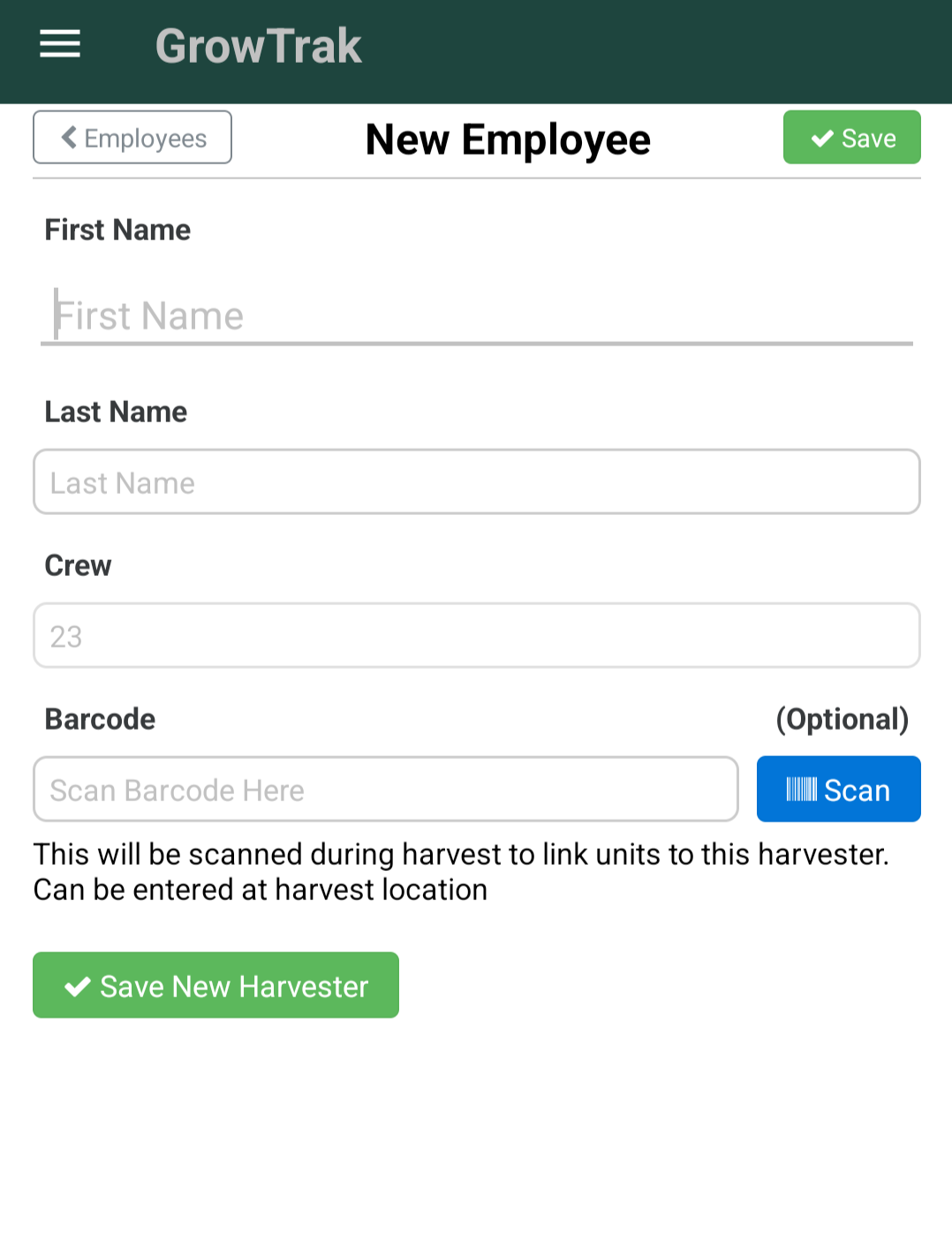
Add the Crew
Every worker gets a profile — name, wage type, and crew assignment.
2
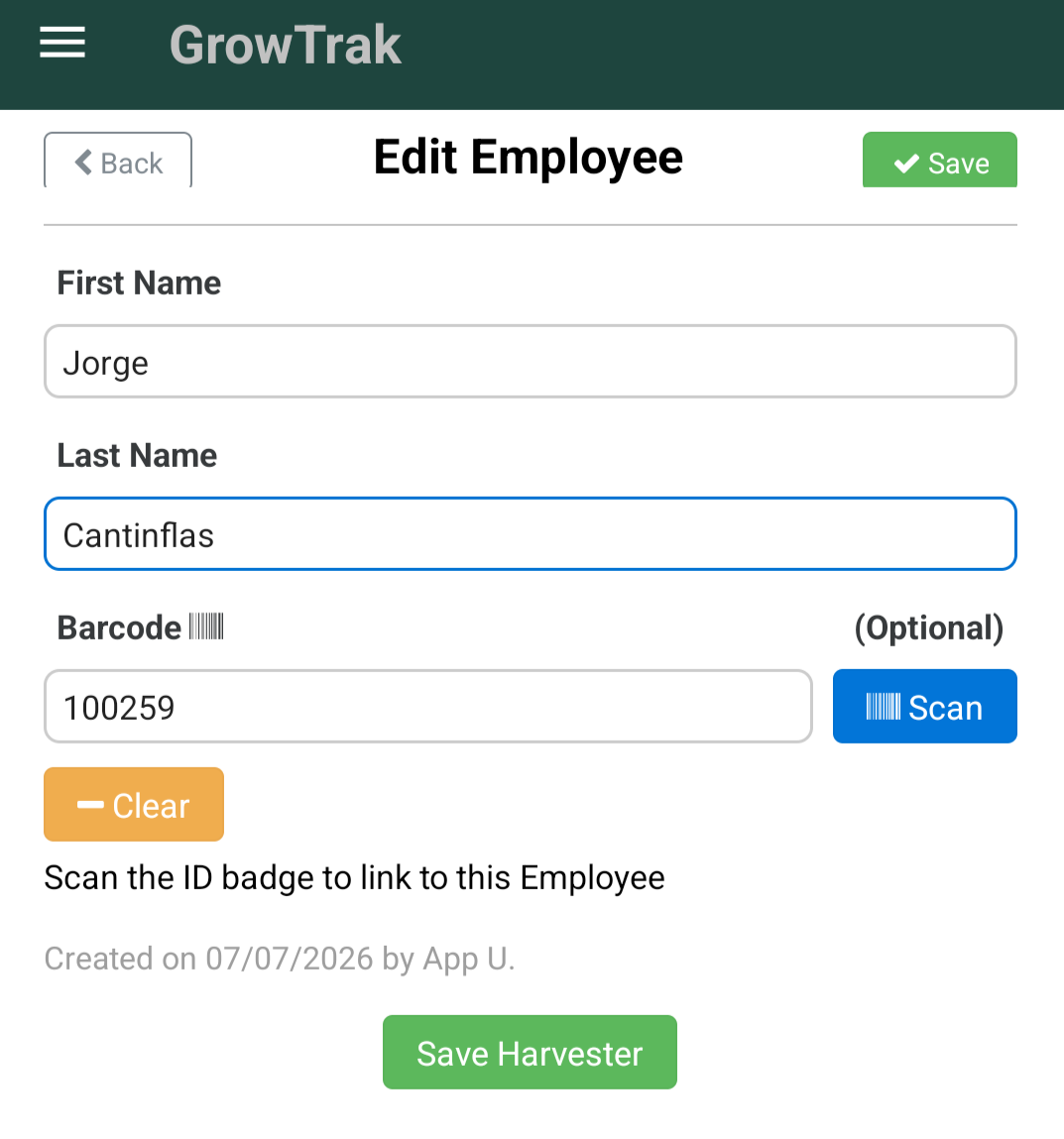
Link a Badge
Assign a scannable badge or ID so a worker can be identified in the field in seconds.
3
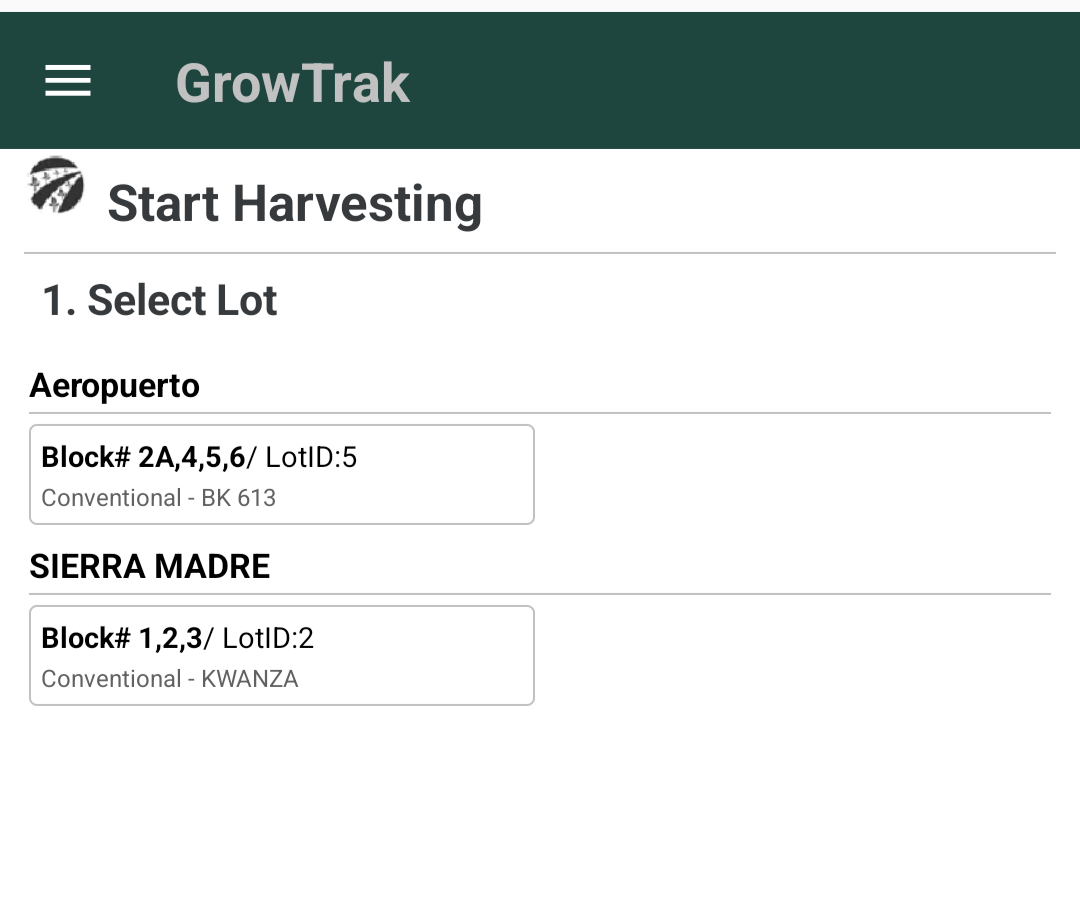
Start the Harvest
A supervisor opens a harvest for a ranch, lot, and pack type — the whole crew is ready to scan.
4
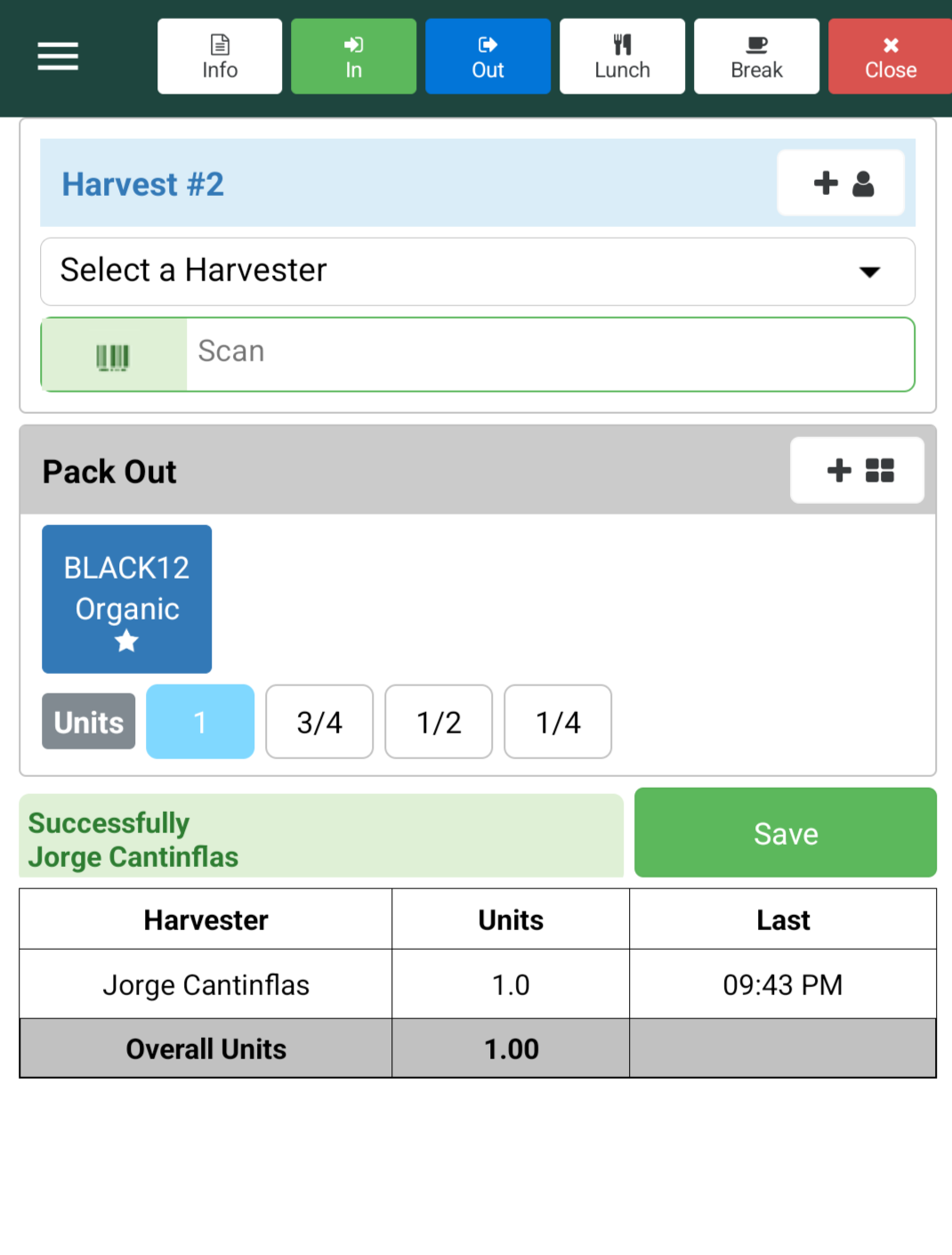
Scan the Badge
As workers pick, their badge is scanned and units are logged instantly — no paper, no end-of-day guessing.
5
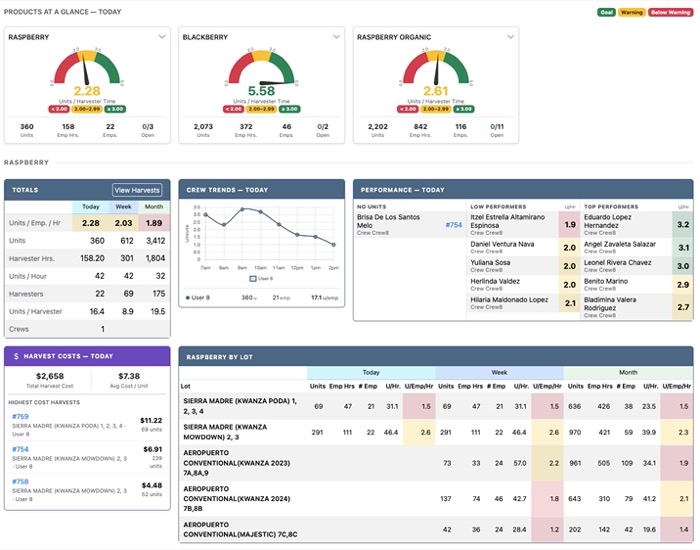
Find Cost-Saving Opportunities in Real Time
See where performance and labor costs are trending, then adjust crews or staffing before the harvest is finished.